Skip to content

Manage & Edit All Your Text Files In One Place With SmartNotes

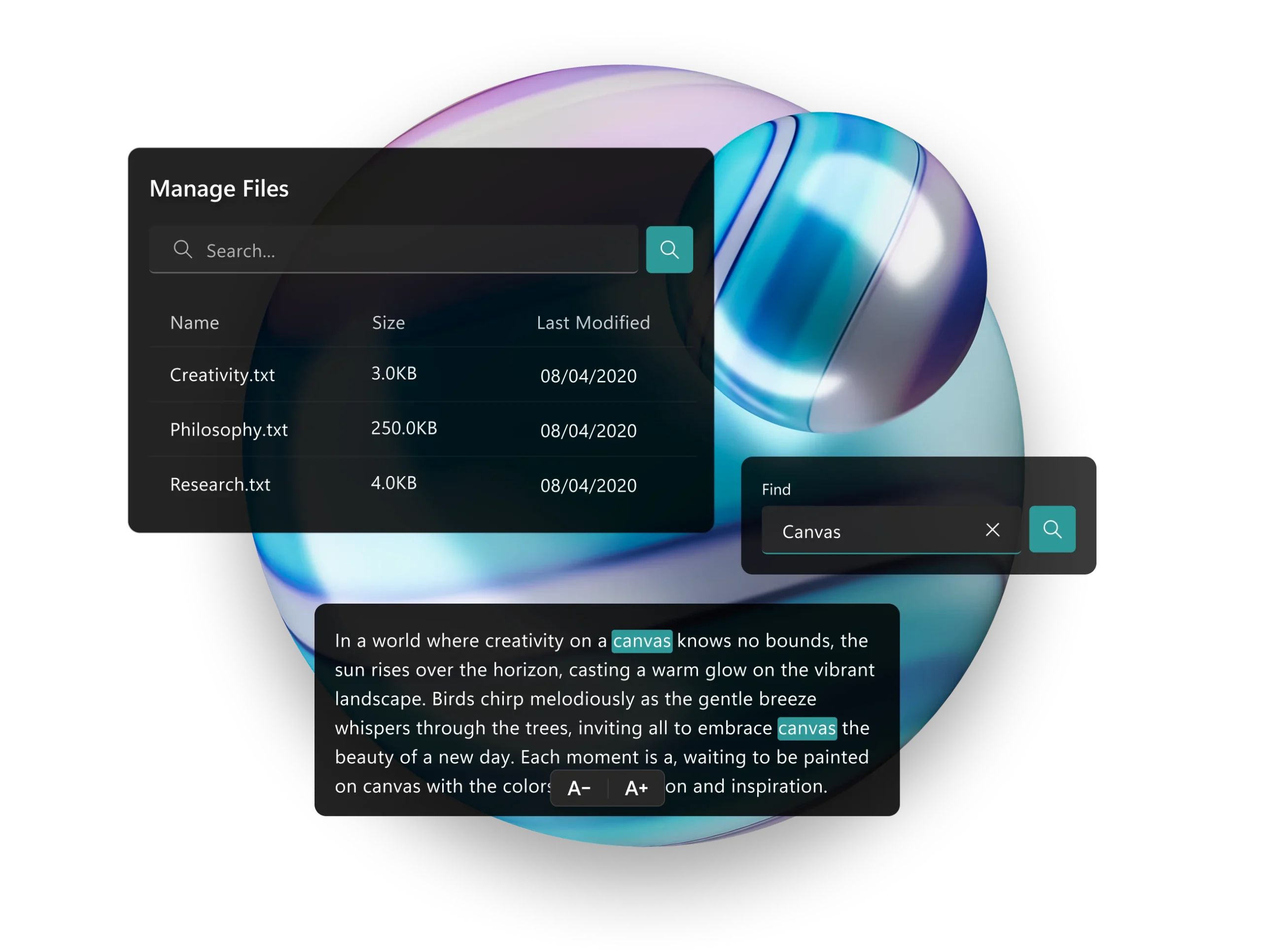
Create, edit, organize, and search text files effortlessly across all your connected cloud folders in one intuitive workspace.

Features That Simplify Your Text Management

Folders & Subfolders

Create, organize, rename, and manage folders and subfolders.

Smart Tagging

Automatically surfaces related files in real time, with no manual effort required.

File Operations

Copy, paste, cut, rename, and delete files with ease.

Search Functionality

Search quickly within folders and across files.

Auto-Save

Everything you type is saved automatically, no Ctrl+S required.

Change Detection

Get prompted if server updates occur and decide whether to accept or keep your version.

Cloud Storage

Manage files across both local drives and connected cloud storage.

Change Detection

Get notified if files in use are modified externally, and choose whether to accept the changes or keep your version.


Get More Done with SmartNotes

Never Lose Track of Important Notes Again

SmartNotes keeps all your text files organized and easy to find. Manage multiple folders and cloud accounts in one place, so you can quickly access, edit, and save your notes without any hassle.

What Our Customers Say About Us

See Why Thousands of Users Trust SmartWindows for Increasing Their Productivity!

Emily Carter, Technical Writer

SmartNotes has completely changed how I manage my work files. The Smart Tagging feature connects related notes instantly, it feels like the app knows what I need before I do.

Jason Lee, Software Engineer

I’ve used dozens of note apps, but none match SmartNotes for simplicity and openness. I love that everything is stored as plain text, no lock-ins or hidden formats.

Amira Patel, Product Designer

The Cloud Storage integration is brilliant. I can switch between Dropbox and my own Nextcloud server without even noticing a difference.

Marcus Rivera, Project Manager

SmartNotes keeps me focused. I open it every morning, hit Today’s Notes, and everything is organized, synced, and auto-saved.

Hannah Nguyen, Research Analyst

Finally, an app that doesn’t try to do too much — it just does everything right. Simple, fast, and reliable for text-based work.

Noah Kim, Content Strategist

The automatic Change Detection has saved me countless times from overwriting files. It’s such a thoughtful feature for cloud-based work.

Sofia Johnson, Business Consultant

I use SmartNotes daily for client meeting notes and documentation. The multiple tabs and Find & Replace tools make editing across files incredibly efficient.

David Chen, Independent Developer

I moved all my project notes from another app in minutes — no exports, no conversions, just text. It’s rare to find software that respects user freedom like this.

Emily Carter, Technical Writer

SmartNotes has completely changed how I manage my work files. The Smart Tagging feature connects related notes instantly, it feels like the app knows what I need before I do.

Jason Lee, Software Engineer

I’ve used dozens of note apps, but none match SmartNotes for simplicity and openness. I love that everything is stored as plain text, no lock-ins or hidden formats.

Amira Patel, Product Designer

The Cloud Storage integration is brilliant. I can switch between Dropbox and my own Nextcloud server without even noticing a difference.

Marcus Rivera, Project Manager

SmartNotes keeps me focused. I open it every morning, hit Today’s Notes, and everything is organized, synced, and auto-saved.

Hannah Nguyen, Research Analyst

Finally, an app that doesn’t try to do too much — it just does everything right. Simple, fast, and reliable for text-based work.

Noah Kim, Content Strategist

The automatic Change Detection has saved me countless times from overwriting files. It’s such a thoughtful feature for cloud-based work.

Sofia Johnson, Business Consultant

I use SmartNotes daily for client meeting notes and documentation. The multiple tabs and Find & Replace tools make editing across files incredibly efficient.

David Chen, Independent Developer

I moved all my project notes from another app in minutes — no exports, no conversions, just text. It’s rare to find software that respects user freedom like this.

How SmartNotes Works

Pricing

Free

Personal Use

$23.99 / Year

Commercial License – 1 Year

$49.99 / 3 Years

Commercial License – 3 Years

Blog

How AI Meeting Notes Are Transforming Productivity in 2025

Get in Touch with Us!
Have questions?
Need support?

Our team is here to help! Please fill out the form below, and we’ll get back to you as soon as possible. Or, you can reach us directly